Review installed patches
|
|
NOTE: Patch management requires a separate KACE Cloud Secure license for devices managed with a Modern or Co-Managed subscription, while it is included for devices managed with a Companion Edition subscription. |

KACE Cloud administrators can easily review which patches are installed on individual devices, and to identify the patching filters used to select the patches for installation.
To review the patches installed on a device:
- Select the Devices tab in top navigation.
- Select a device from the list.
- In the device view on the right, in the right panel, click Patching.
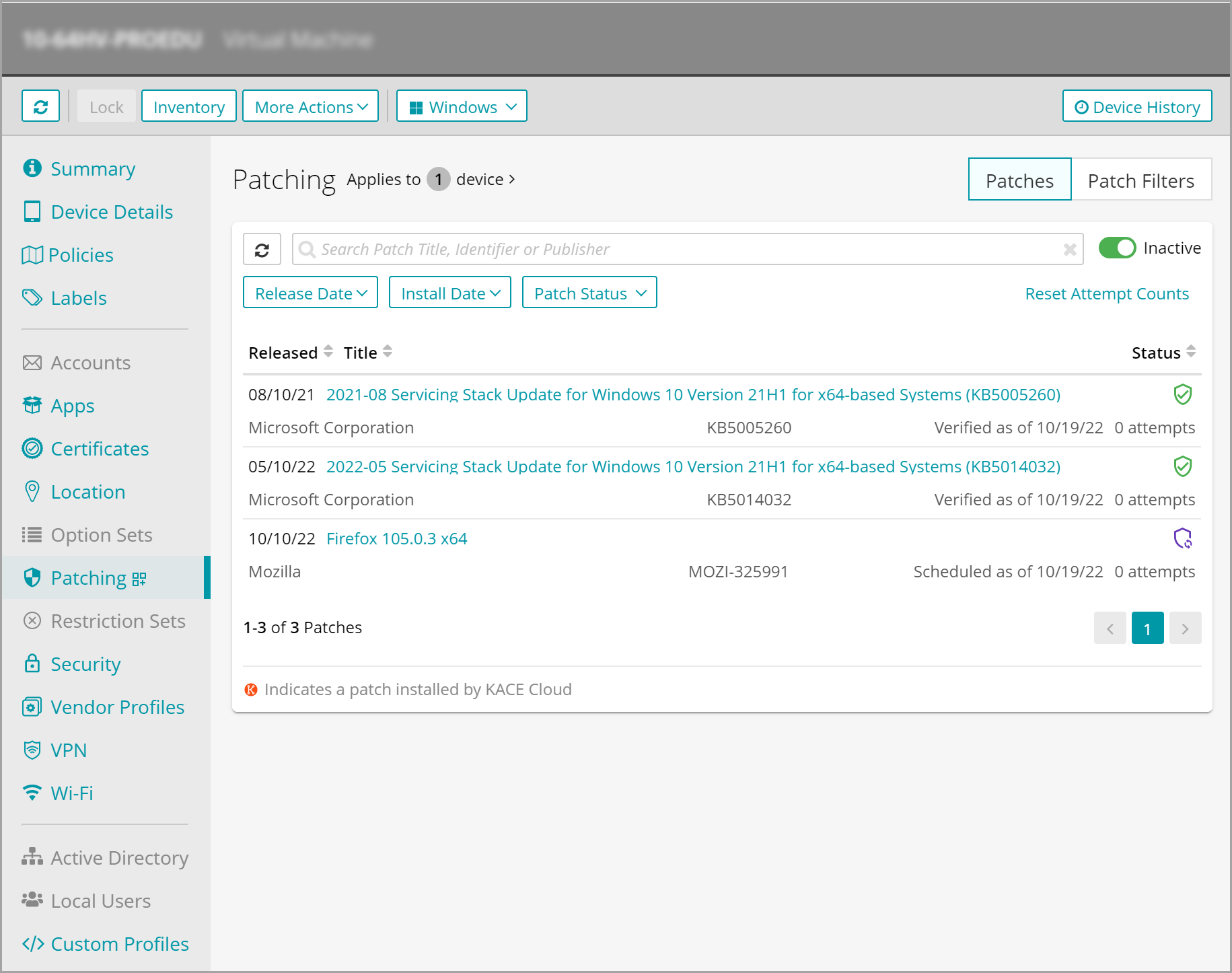
The statuses of all applicable patches associated with the device are listed.
- To filter the list of patches, click the appropriate filter, and make your selections.
- Release Date: Select the patch release date.
- Install Date: Select the date the patch was installed on the device.
- Patch Status: Select one or more of the patch statuses on the device, as applicable:
- Missing: Patches that are missing from the selected device.
- Installing: Patches that being installed on the selected device.
- Pending: Patches that are to be installed on the selected device.
- Installed: Patches that are already installed on the selected device.
- Rolled Back: Patches that are uninstalled from the selected device.
- Error Scanning: Patches that encountered an error while the selected device is being scanned.
- Error Installing: Patches that encountered an error while being installed on the selected device.
- Error Rolling Back: Patches that encountered an error while being uninstalled from the selected device.
- To reset the attempt counts for installing patches on the selected device, click Reset Attempt Counts, and in the view that appears, click Reset Attempt Counts.
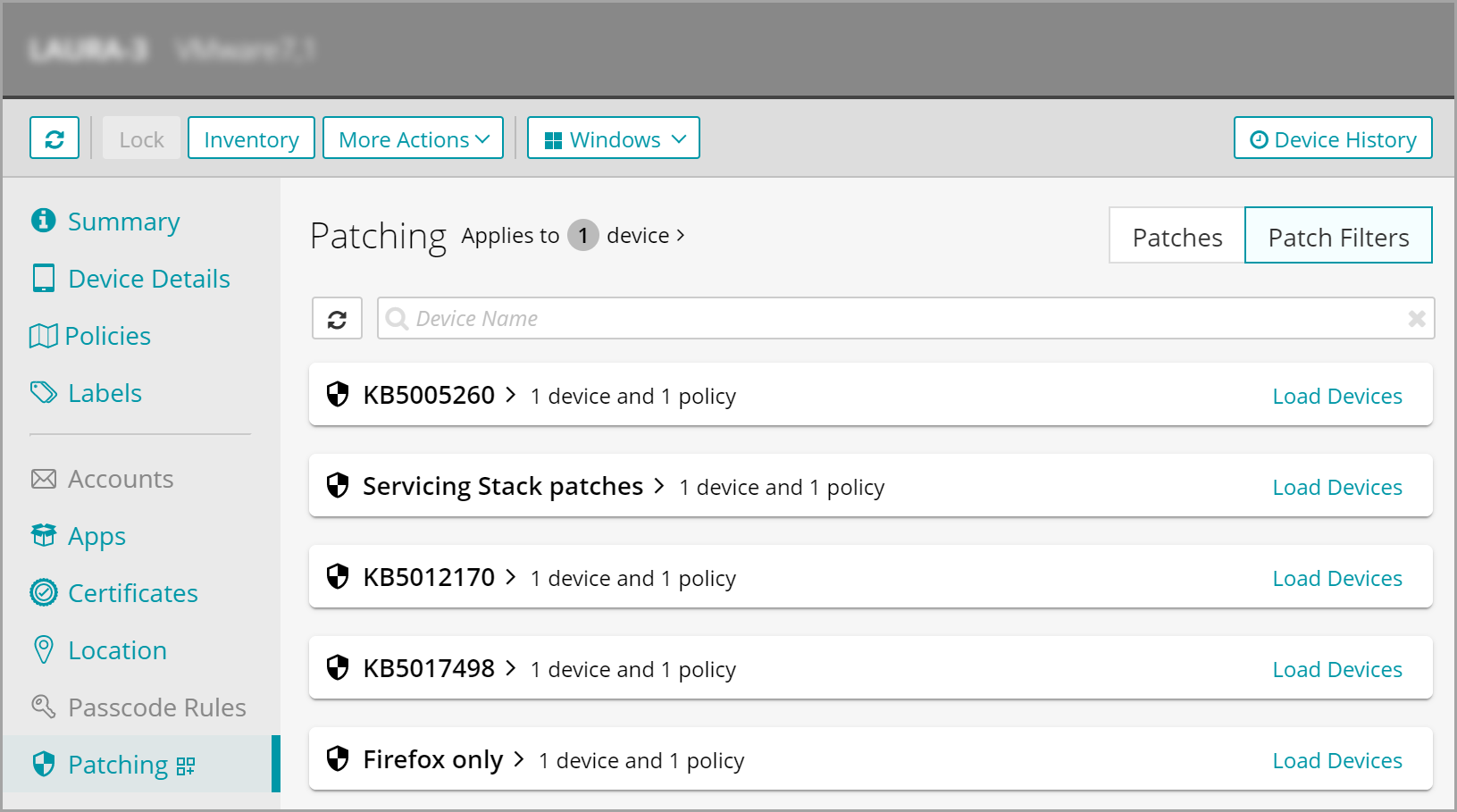
- To see which patch filters are associated with the selected device, in the top-right corner, click Patch Filters.